
Visualize it: A Visual Experience for Spotify on the TV
Course Work
Course Work
April 2026
Background
Background
Spotify for TV allows users to bring the music listening experience beyond their mobile devices, allowing for music playback on the TV.
Spotify for TV allows users to bring the music listening experience beyond their mobile devices, allowing for music playback on the TV.
Role & Timeline
Role & Timeline
As this was course work for an interaction design class, I led the design myself, focusing on implementing a new feature to the existing Spotify experience, while keeping presentation in mind. I started the project in late February and finished it by the end of the semester in April.
Challenge
Challenge
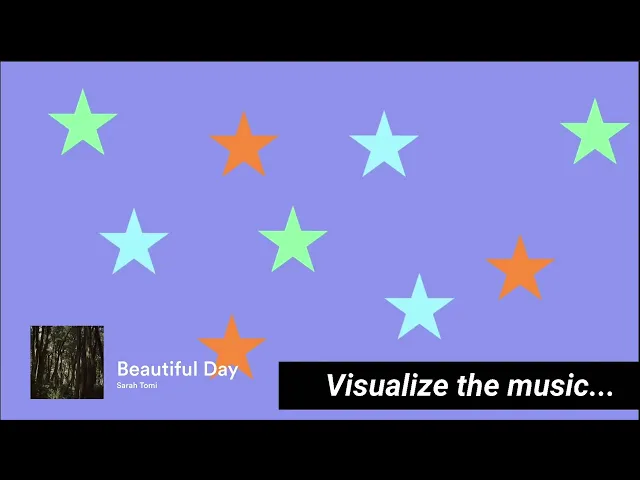
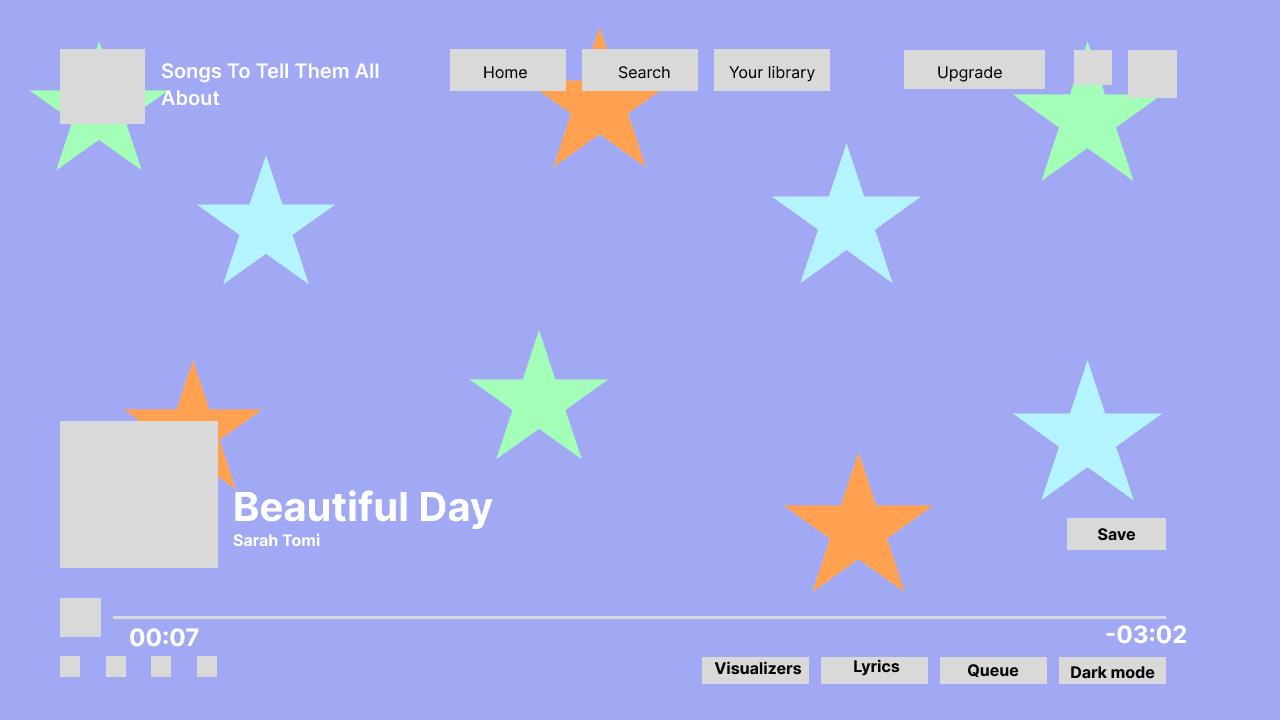
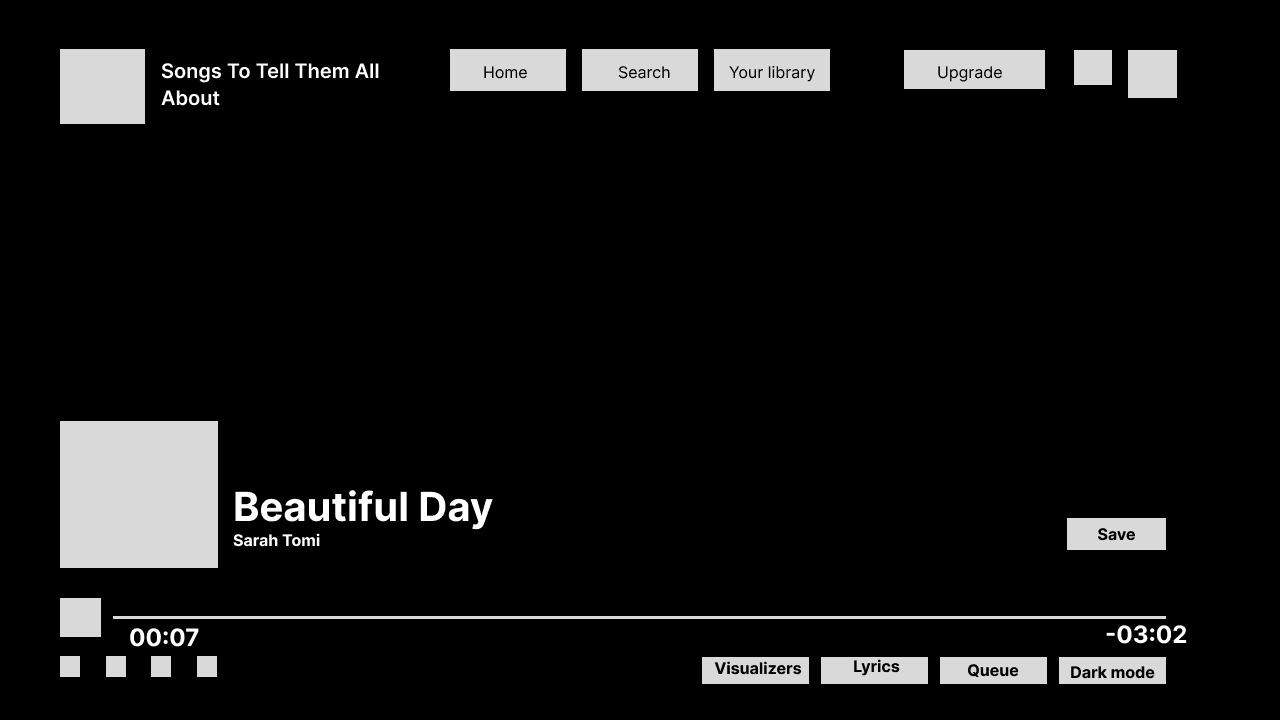
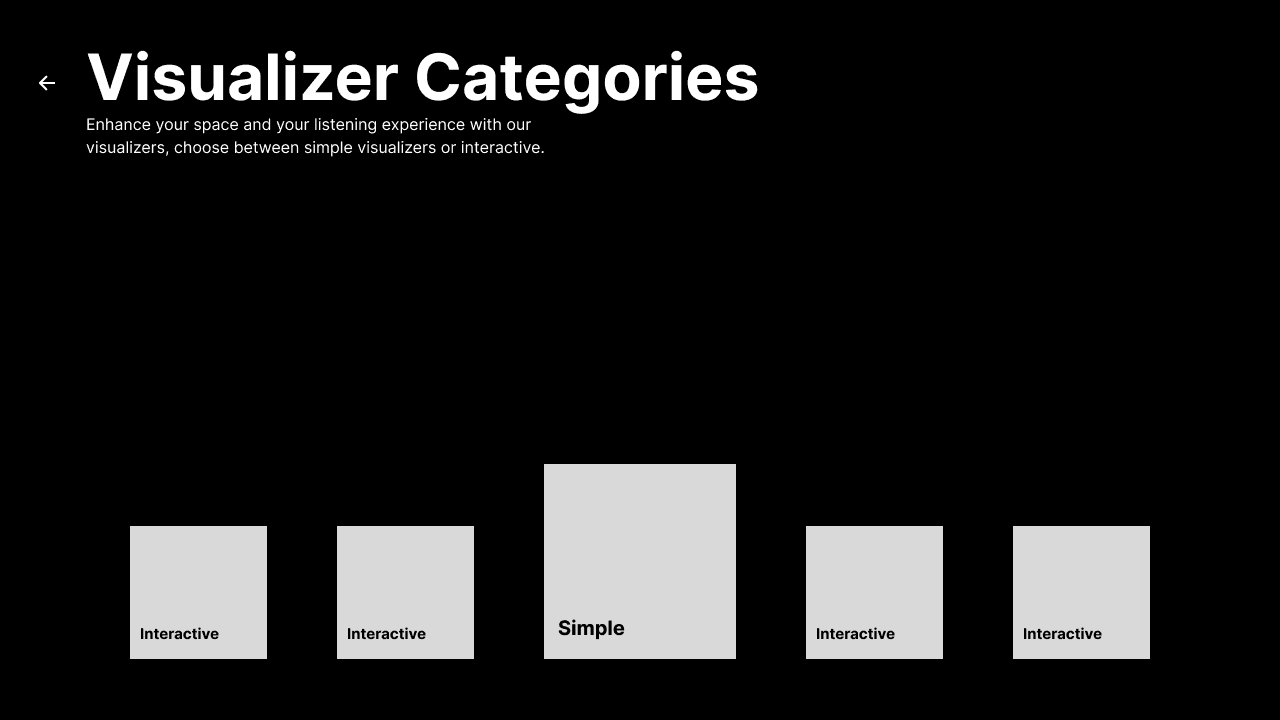
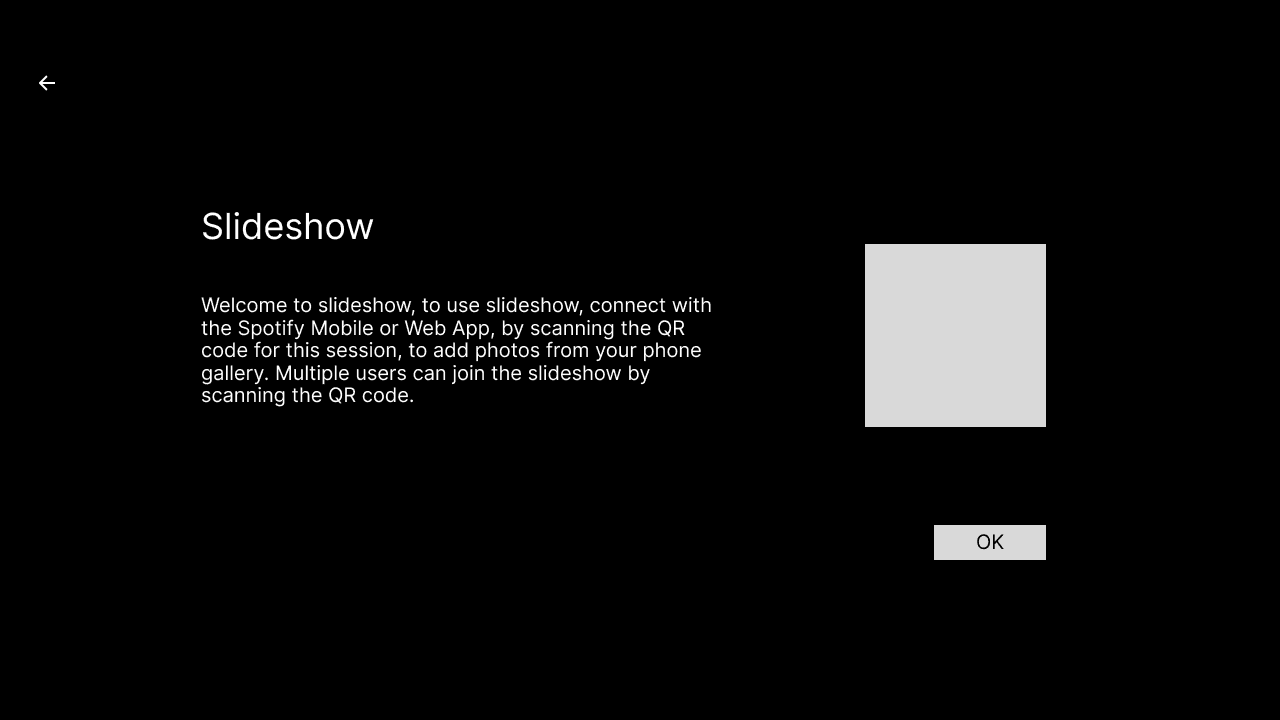
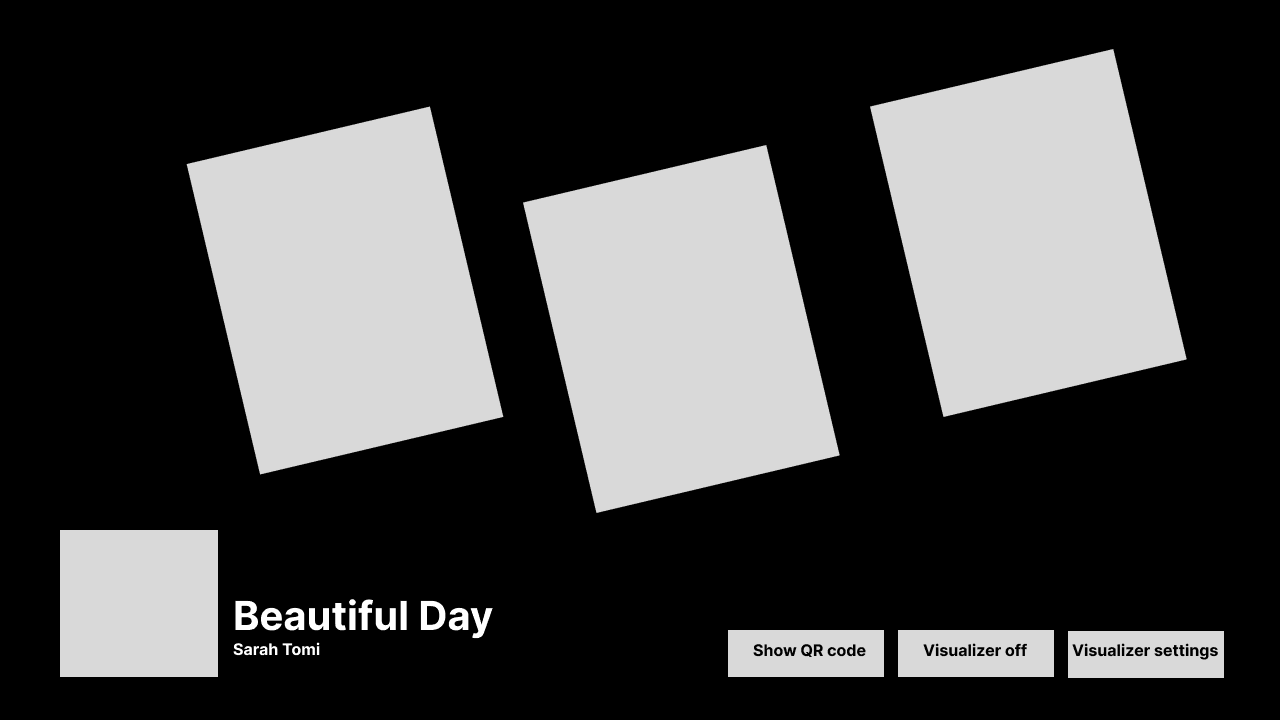
Without premium, TV and web users do not have access to display lyrics on screen, and even then, having only one visual option for larger screens does not give users much control over their music listening experience. Currently, aside from the lyric function, you can choose to either have one static image of the music artist displayed on the entire TV screen, or dark mode which simply removes the image and replaces it with a black background. To bring more interaction and visual appeal to the Spotify TV App, I designed the visualize it feature, which allows users a more visual experience while listening with visualizers to choose from and interactive features such as interactive mini-games, a slideshow, and karaoke.
Research
Research
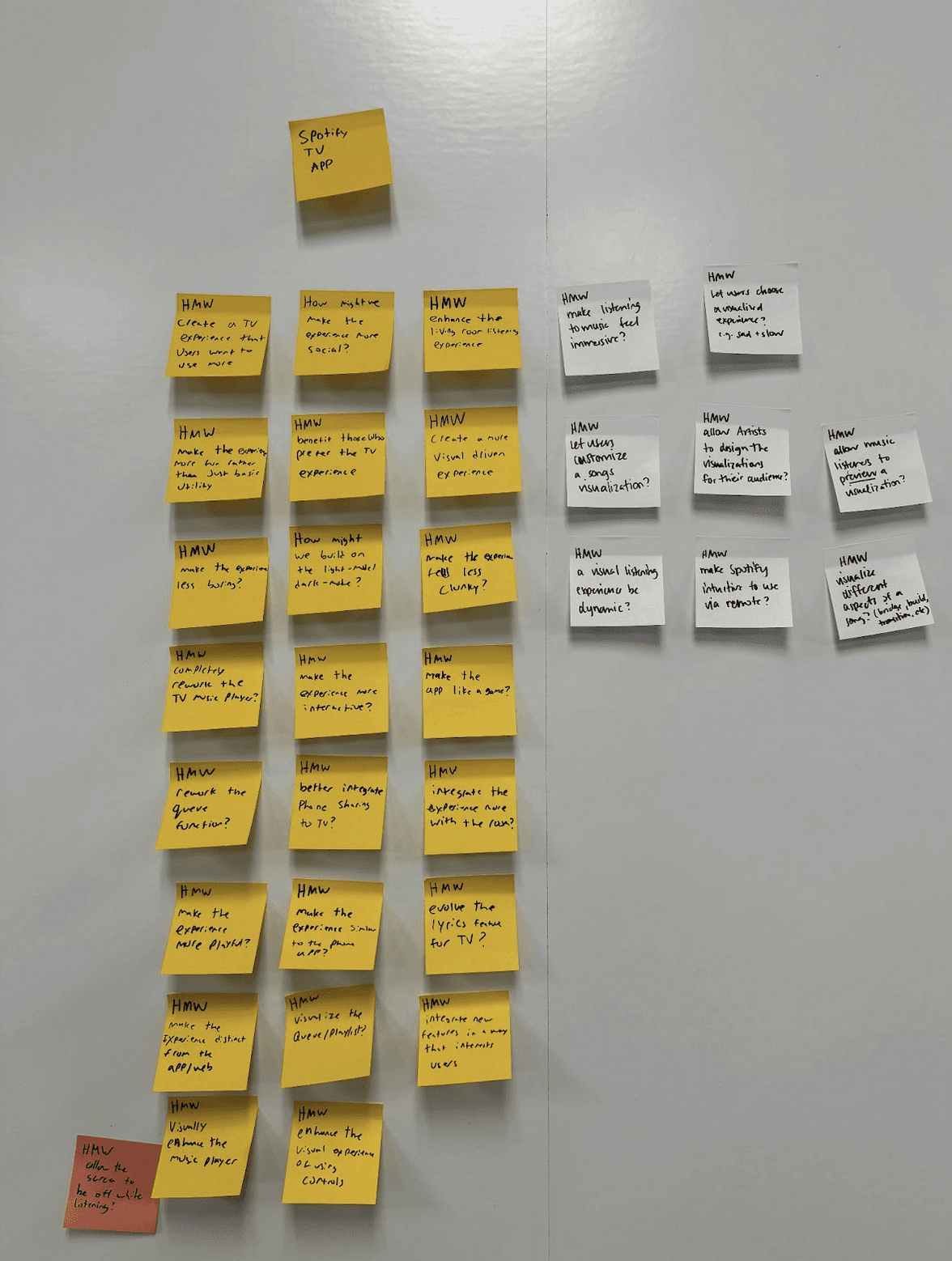
To further explore adding a visual and interactive functionality to the Spotify TV App, I indentify my user groups and their goals, and then moved onto ideation to help develop my visualizer ideas, through exercises such as Crazy 8s and how might we statements. I then did user testing with paper prototyping and a basic prototype done by Figma Make to test out the user flows.
Approach
Approach
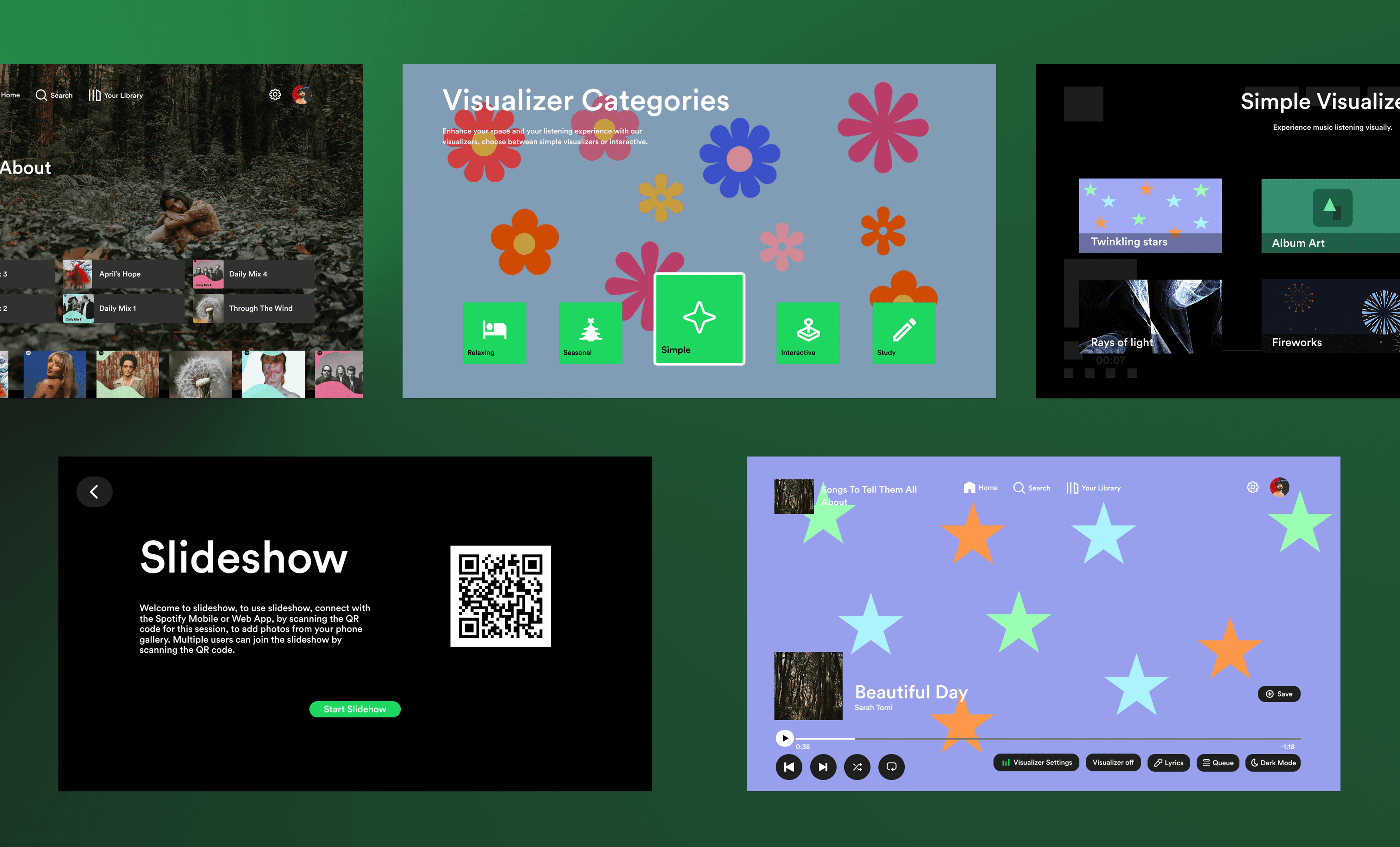
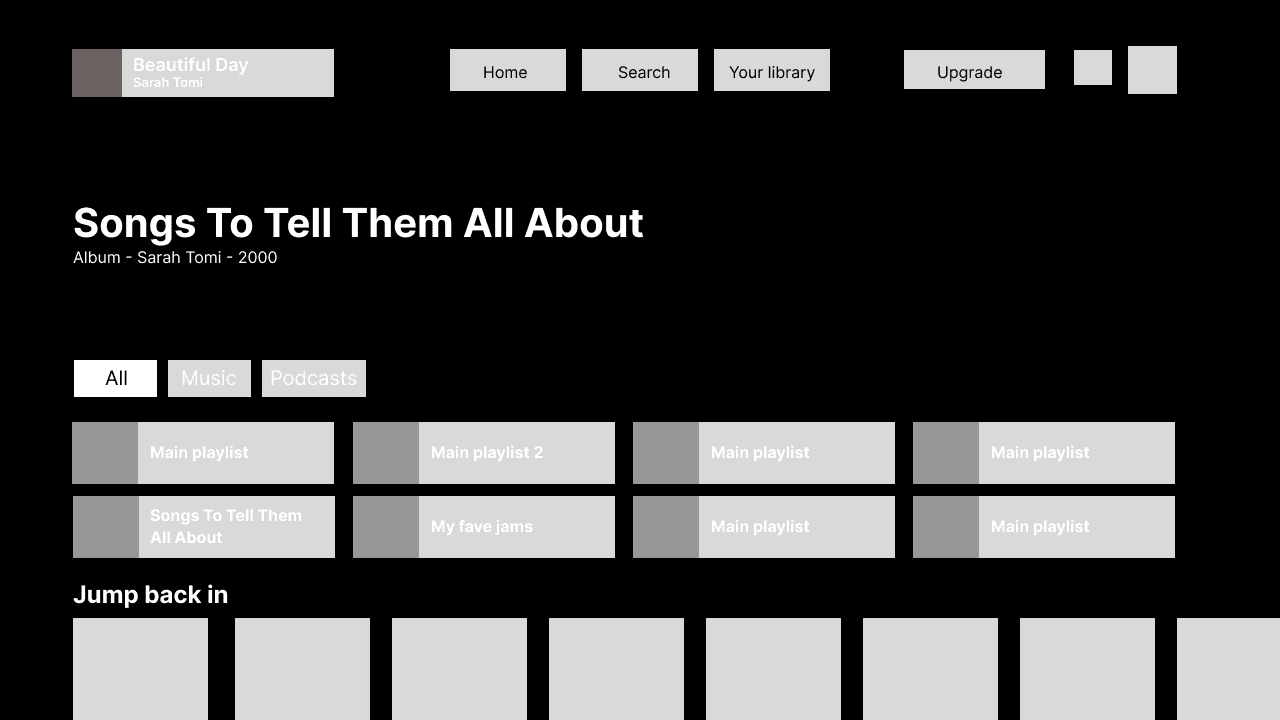
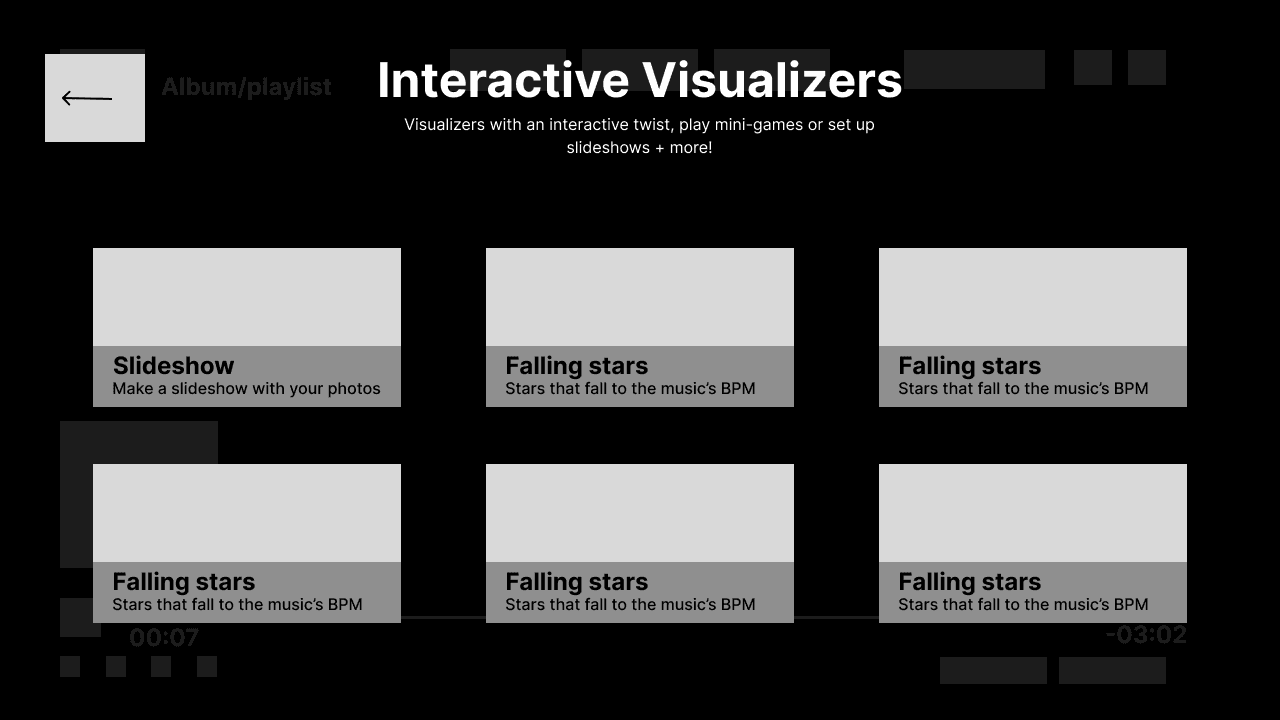
I implemented the visualizer functionality into the music player page to fit seamlessly with the current Spotify TV app experience, with a focus on adding to the current user flow rather than redesigning the entire experience. I designed with the TV experience in mind, making sure not only the visualizers themselves were visual, but the selection pages too, with previews on both the category selection pages and the visualizer selections themselves.
Wireframing
Solution
Solution
As this was course work for an interaction design class, I led the design myself, focusing on implementing a new feature to the existing Spotify experience, while keeping presentation in mind. I started the project in late February and finished it by the end of the semester in April.
Without premium, TV and web users do not have access to display lyrics on screen, and even then, having only one visual option for larger screens does not give users much control over their music listening experience. Currently, aside from the lyric function, you can choose to either have one static image of the music artist displayed on the entire TV screen, or dark mode which simply removes the image and replaces it with a black background. To bring more interaction and visual appeal to the Spotify TV App, I designed the visualize it feature, which allows users a more visual experience while listening with visualizers to choose from and interactive features such as interactive mini-games, a slideshow, and karaoke.
To further explore adding a visual and interactive functionality to the Spotify TV App, I indentify my user groups and their goals, and then moved onto ideation to help develop my visualizer ideas, through exercises such as Crazy 8s and how might we statements. I then did user testing with paper prototyping and a basic prototype done by Figma Make to test out the user flows.
I implemented the visualizer functionality into the music player page to fit seamlessly with the current Spotify TV app experience, with a focus on adding to the current user flow rather than redesigning the entire experience. I designed with the TV experience in mind, making sure not only the visualizers themselves were visual, but the selection pages too, with previews on both the category selection pages and the visualizer selections themselves.
Visualize it: A Visual Experience for Spotify on the TV

© Beckett Heinz 2026
Get in touch



Connect with me
Have questions about something I've worked on? Want to see more? Need help with a project? Send me a message!
Connect with me
Get in touch
© Beckett Heinz 2026